Accepted quote
Container, material, zone, rental days, included weight, taxes, and published surcharges frozen with an explainable price trace.

Revenue operations
LogiTraq connects the price you promised to the work that happened, the evidence that proves it, and the invoice line that asks to be paid.
Payments and accounting stay grounded in reviewable, traceable facts rather than silent automation.
Order #1048 · Pickup complete
Reconciliation
The operator sees where every proposed line came from, what still needs confirmation, and which exception is holding the invoice back.
Container, material, zone, rental days, included weight, taxes, and published surcharges frozen with an explainable price trace.
Completed, partial, failed, dry-run, relocation, dump-and-return, live-load, approved damage, or lost-asset work.
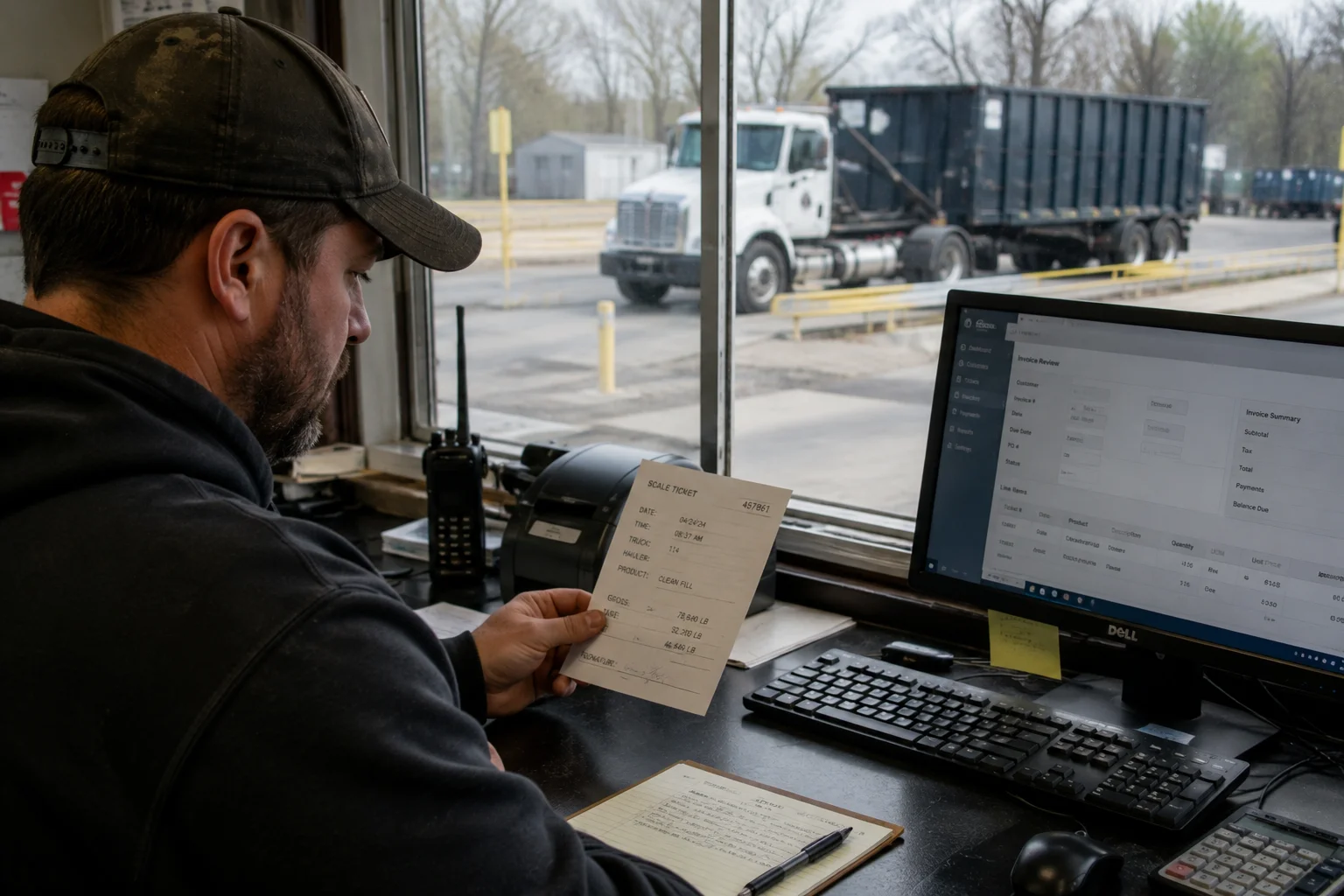
Confirmed facility, material, gross, tare, net weight, and disposal charge.
Accepted extra rental days, pickup-request timing, and recorded wait-time events with configured grace and rounding.
Customer-approved change orders, reasoned adjustments, credits, reversals, and replacement history.
From approval to collection
Invoices, payment state, accounting sync, and every correction remain attached to the operating record.
Branded PDFs, sequential numbering, delivery status, batch runs, and approval when your policy requires it.
Scoped payment portal, card or ACH where supported, plus checks, cash, external receipts, deposits, partial payments, and unapplied cash.
Map and synchronize customers, items, invoices, credits, payments, and write-offs without rewriting field truth.
Accounts receivable
Keep each receipt, allocation, balance, correction, dispute, and settlement outcome understandable to the office and the accountant.
Support prepay, deposits, terms, partial payment, card on file, ACH where available, hosted COD payment, and office-recorded check, cash, or external receipts.
Apply, unapply, and reapply receipts across invoices while preserving partial payments, overpayments, unapplied cash, returned checks, credits, and write-offs.
Give each payer a scoped view of invoices, statements, confirmed scale tickets, supporting evidence, pay-now actions, and payment-method management.
Generate account statements, follow configurable reminder schedules, honor stop-dunning controls, and recheck the live balance before every message.
Match processor payments, refunds, disputes, fees, and payouts to the expected bank deposit instead of treating a webhook as final proof.
Void, reverse, credit, refund, or reissue through linked records. Posted invoices, accepted field facts, and original payment history remain intact.
Accounting connection
Each invoicing legal entity connects to its own books. Idempotent sync, provider lookups, polling, and drift reports keep accounting aligned without turning an external edit into operational truth.
Human checkpoints
Ticket OCR can prefill reliable fields, but the original image stays visible and uncertain results remain for review. No OCR result creates a charge merely because a model returned a number.
Hosted payment fields and scoped payment links keep collection credentials outside LogiTraq. The platform never records raw credentials, only business status, display-safe details, and provider references.
Find the leakage
We’ll trace it backward through the ticket, field event, dispatch change, and quote to show how the operating record should come together.