Identity beyond a painted number
Keep container type, owned-or-leased basis, home yard, and acquisition details together with QR, barcode, legacy tag, or short manual PIN identifiers.

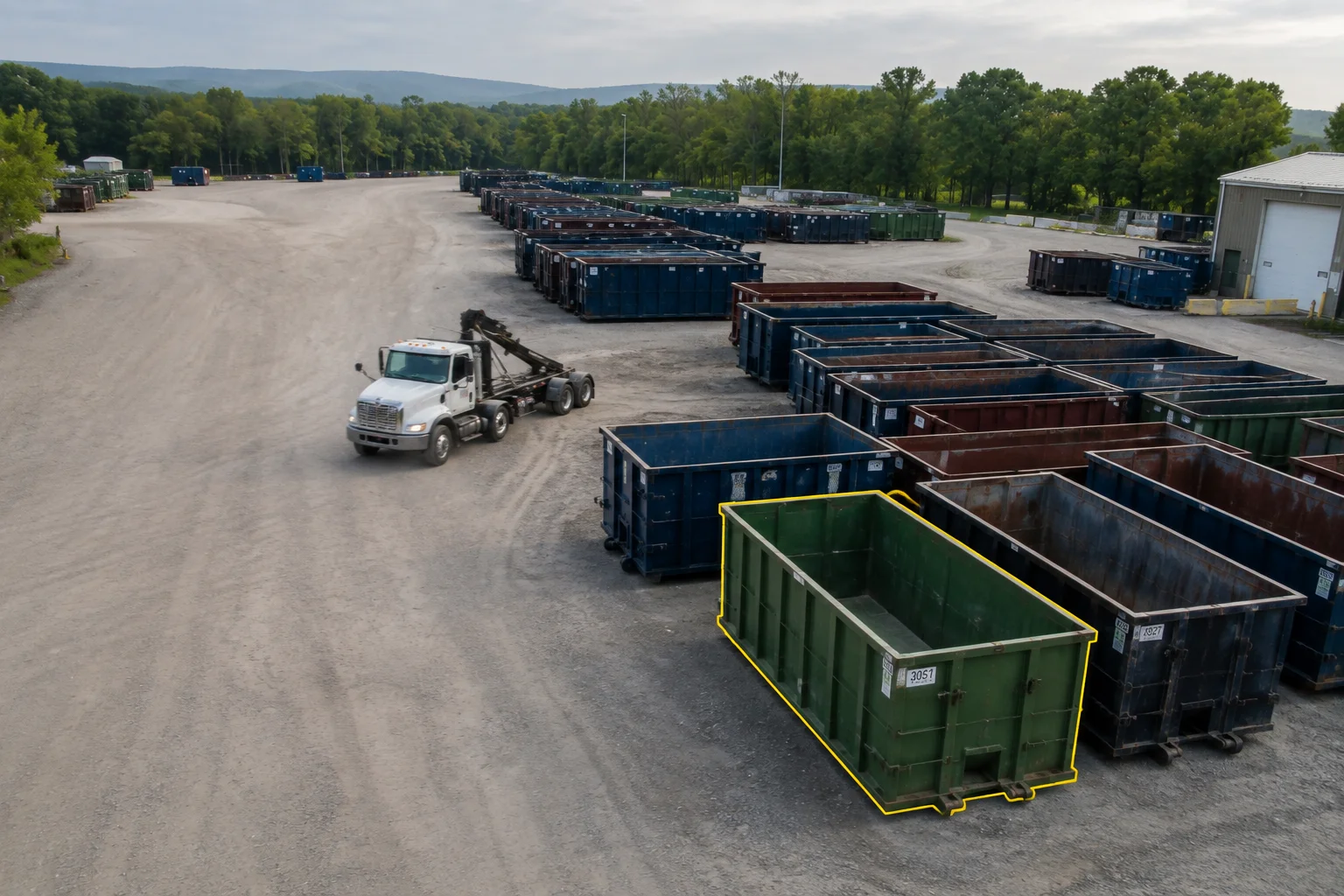
Container custody
Follow each container from yard to truck, customer site, facility, and return through one connected record of identity, custody, condition, and work.
Container inventory and custody are included in the complete base product.
20 yd · Owned · Home yard: Newark
The asset record
A container is more than an inventory row. Its identity, state, custody, condition, commitments, and evidence need to agree before the next job can rely on it.
Keep container type, owned-or-leased basis, home yard, and acquisition details together with QR, barcode, legacy tag, or short manual PIN identifiers.
See whether a container is acquired, active, damaged, in repair, lost, out of service, or retired without replacing the events that produced that state.
Connect each accepted handoff to the yard, truck, customer jobsite, facility, or return, along with the responsible actor, job, time, and available evidence.
Use the same custody and scheduling truth to warn about double booking, truck compatibility, and containers that are unavailable or out of service.
Correct a bad scan or office record with a reasoned superseding event while preserving what was originally captured and who changed the interpretation.
Import existing inventory and active rentals with explicit origin and cutover context instead of pretending LogiTraq observed work that happened in the prior system.
One continuous chain
The container does not disappear into a status field between stops. Each accepted event carries the record forward while the prior path remains visible.
Home location, type, condition, availability, and active identifiers establish the starting point.
Assignment and scan confirmation connect the expected container to the truck, driver, and job.
The accepted delivery records where the container was placed and keeps the required field evidence with it.
Facility, return, relocation, swap, or another handoff becomes the next event rather than replacing the earlier record.
Exceptions with an owner
A bad scan, damaged asset, missing container, inventory variance, or truck breakdown should create a visible recovery path instead of quietly changing the answer.
A mismatched, duplicated, or forgotten tag follows an explicit exception path with a manual PIN fallback.
Damaged, in-repair, or out-of-service assets stay visible but cannot be silently promised or dispatched as available.
Record the last defensible custody point, stop open-ended rental accrual, and open the linked claim or replacement workflow.
Transfer the container and load commitment between trucks as one evidenced handoff while retaining both carrying segments.
Compare an expected yard snapshot with scanned, found, and missing containers, then resolve the count through controlled correction.
When the field record needs repair, retain the source, reason, evidence, attestor, and original accepted event.
Count and use
Inventory counts compare the expected snapshot with observed scans and controlled corrections. Utilization, days on rent, state, and location history help the office see which containers are working and which need attention.
Expected inventory, observed scans, found and missing variances, current custody, and controlled corrections stay connected to the same container record.
Bring the inventory list
Walk us through the last known move, the call or text that changed it, and what the office had to reconcile afterward. LogiTraq keeps that custody trail connected.