
DELIVERY
1437 W Fulton St20 yd · Construction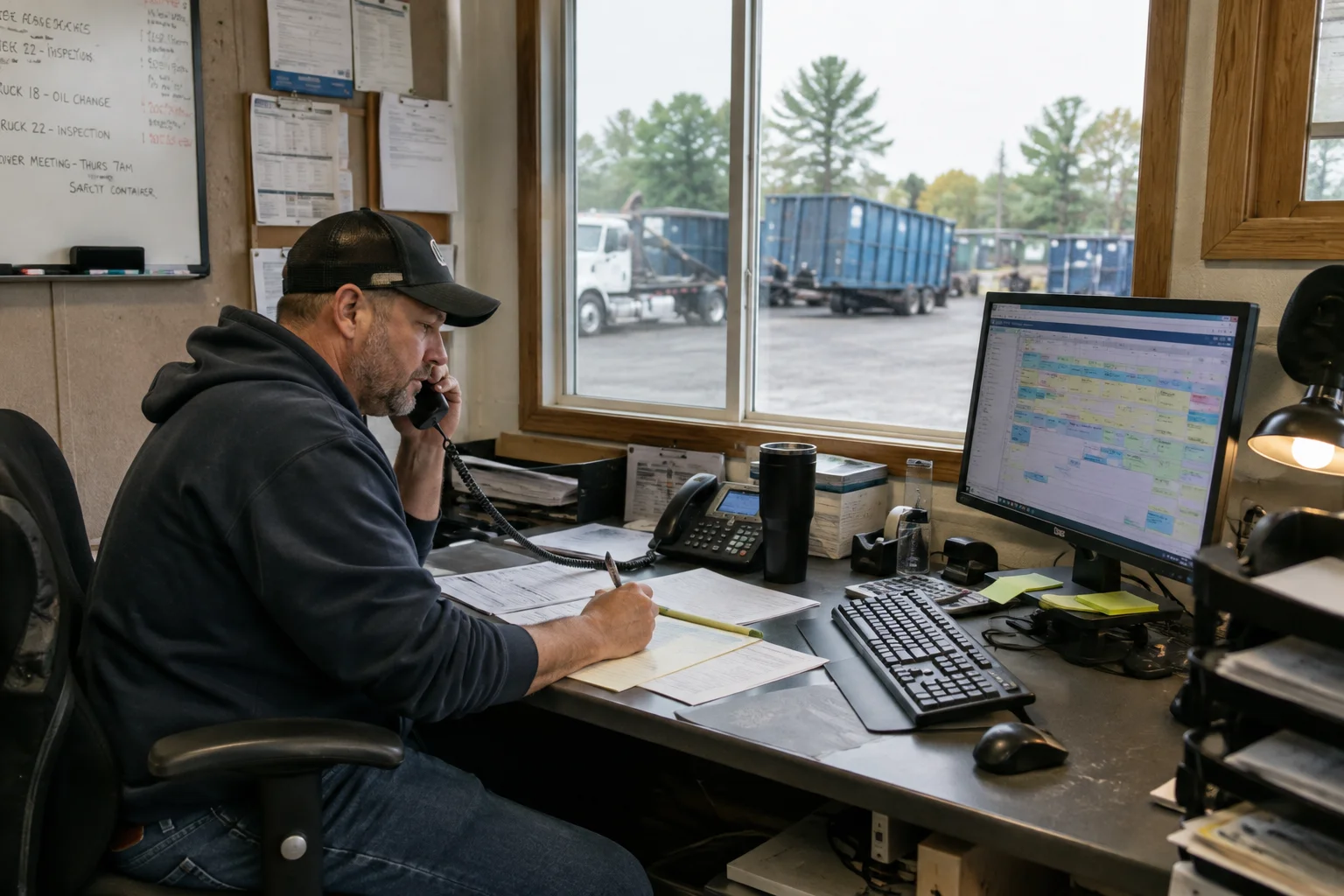
Dispatch
Build the day.
Keep control of it.
A practical dispatch board for the operator who plans the route, answers the phone, handles the exception, and still needs tomorrow to make sense.
Day-and-week dispatch, routing estimates, dump stops, and disruption tools are included in every paid subscription.
 Dispatch
Tuesday, Sep 1
LiveDaily board8 jobs scheduled
New jobPICKUP
Evergreen Builders#C-184 · 30 yd7:30
DELIVERED
Morrow RenovationsPhoto + signature saved9:15
EN ROUTE
Riverside RoofingSwap · 20 yd11:00
PICKUP
2812 Mason Ave#C-062 · 15 ydDUMP + RETURN
Northside TransferFacility open · 18 minThe shared schedule
One board the office and drivers can trust.
The confirmed order becomes dispatchable work. Assignment, field status, and changes stay on the same record.
Unassigned queue
Confirmed work arrives ready to assign, carrying its window, job type, asset need, and customer context.
Day and week views
Move between today’s execution and the week ahead without rebuilding the plan in a second tool.
Truck sequencing
Drag jobs into per-truck columns, order stops, insert dump visits, clone a workable day, or move the remainder when plans change.
One scheduling truth
Check container and truck compatibility, driver availability and qualifications, downtime, yard and facility hours, holidays, service windows, and reservation commitments.
Constraint warnings
Surface double-booked containers, incompatible equipment, unavailable drivers, closed facilities, impossible sequences, and likely missed promises.
Live operating status
Follow planned versus actual job state and last-known driver location with clear freshness, then hand navigation to the driver’s map app.
Driver acknowledgement
Every meaningful revision reaches the driver and asks for an explicit acknowledgement instead of assuming it landed.
Recovery paths
Call-outs, breakdowns, facility closures, partial work, and failed service return the right follow-up to the queue with the original job linked.
Roll-off work, not generic stops
Every job type carries the right operating rules.
Dispatch sees the asset need, load and facility context, evidence policy, commercial promise, and dependencies behind each truck visit.
Delivery
Place a specific container and capture the custody handoff.
Swap
Coordinate the full pull and empty replacement as linked work.
Removal
Recover the container, close the rental interval, and route the load.
Relocation
Move an asset between approved positions without losing its history.
Dump and return
Carry the load to a compatible facility and return the same container.
Live load and dry run
Track wait time, service outcome, required evidence, and charge eligibility.
Built for the interruption
The plan changed. The record didn’t disappear.
LogiTraq is designed to make the recovery path as clear as the happy path.
- 08:42Truck 04 reports a breakdown
Remaining stops are marked at risk, not silently left on the route.
- 08:44Dispatch sees the impact
Work returns to a controlled queue with its windows and asset requirements intact.
- 08:47Two stops move to Truck 07
The driver receives the revised sequence and acknowledges the change.
- 08:50Customers keep their context
Commitment changes and communications attach to the affected jobs.
Included, not gated
Useful routing without an upgrade.
Manual sequencing, drive-time estimates, facility context, navigation handoff, live status, conflict warnings, route templates, and bulk disruption tools belong in base dispatch.
Human control
The dispatcher publishes the operating truth.
Route changes are versioned, checked against current jobs, trucks, drivers, containers, and schedule commitments, then sent to affected drivers for acknowledgement. Completed field facts never move backward because the board changed.
Bring your schedule
Show us the day that always goes sideways.
A useful demo starts with your real jobs, service windows, facilities, trucks, and the exception your current system handles badly.
Request pilot access 30-day sandbox · No card required · Guided setup